Add AI-Generated Text Using Copilot
Add AI-Generated Text Using CopilotAdd AI-Generated Text Using Copilot
You can quickly add text to your Power Pages site by using Copilot to generate content automatically. Simply describe the type of content you need, and Copilot will create a draft, show a preview, and allow you to refine or insert the generated text.
Note: This feature is now generally available (GA) in all regions except DOD.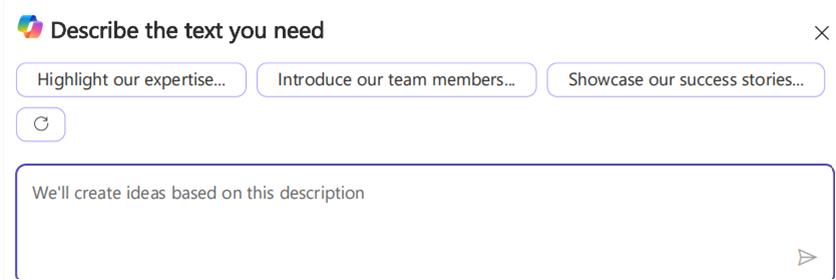
Generate Text with Copilot
- Open the Pages workspace and select the page where you want to add text.
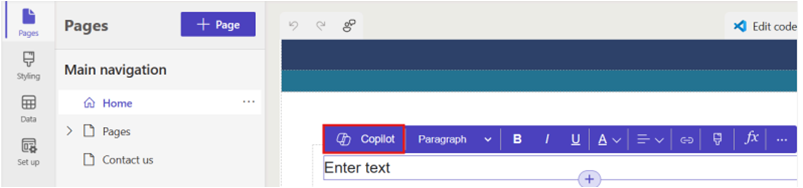
- Select the Text component.
- In the toolbar for the text component, choose Copilot.
-
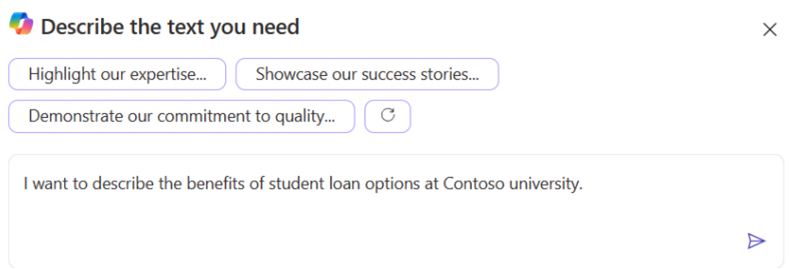
 Enter a description of the content you want Copilot to generate. For example:
“Describe the benefits of student loan options at Contoso University.”
You can use up to 1,500 characters for your description. - Press Enter or select the paper airplane icon to submit your request.
Refine the Generated Content
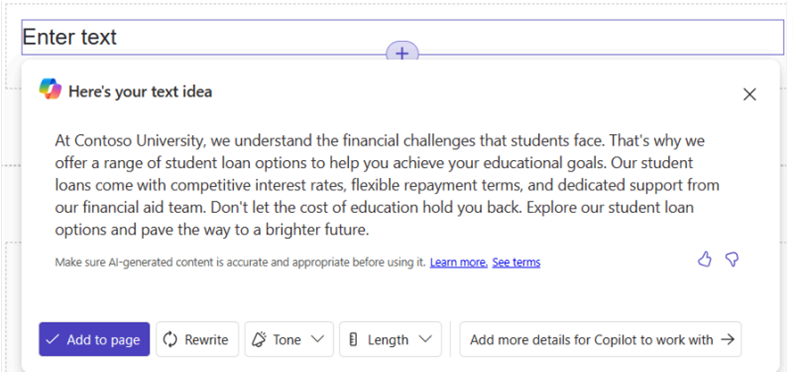
Review the preview generated by Copilot and refine it using the available options:
- Rewrite – Regenerate the text using an updated description.
- Change the tone – Make the text friendly, casual, educational, professional, or enthusiastic.
- Adjust the length – Make the content more concise or more detailed.
- Add more details – Provide additional context to improve the generated output.
- Provide feedback – Use thumbs-up or thumbs-down to rate the result.
When satisfied with the generated content, select Add to page to insert it. After adding the text, you can edit it like any other page component.