Dynamics 365 templates
Dynamics 365 Templates in Power PagesDynamics 365 Templates
Dynamics 365 templates in Power Pages allow you to quickly build portals connected to different Dynamics 365 apps like Sales, Customer Service, Field Service, Marketing, Project Operations, and Supply Chain Management. These templates aren’t available during the first site creation but can be used for additional sites later.
- Dynamics 365 Sales
- Dynamics 365 Customer Service
- Dynamics 365 Field Service
- Dynamics 365 Marketing
- Dynamics 365 Project Operations
- Dynamics 365 Supply Chain Management
- Dynamics 365 Intelligent Order Management
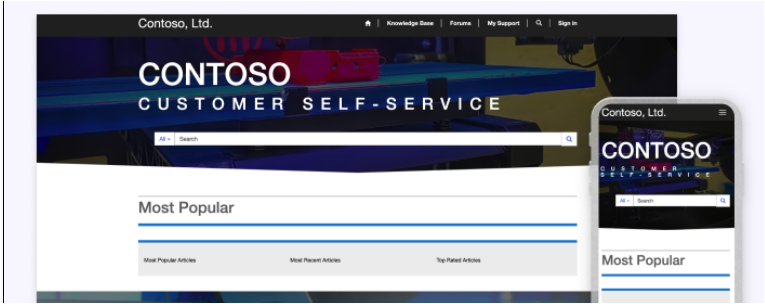
Customer Self-Service
Customers can access knowledge articles, track cases, and give feedback.
Partner Portal
Enables resellers, distributors, or suppliers to collaborate and track shared activities.
Note: Only one Partner site can be created per environment. Field Service/Project Operations apps must be installed to enable related features.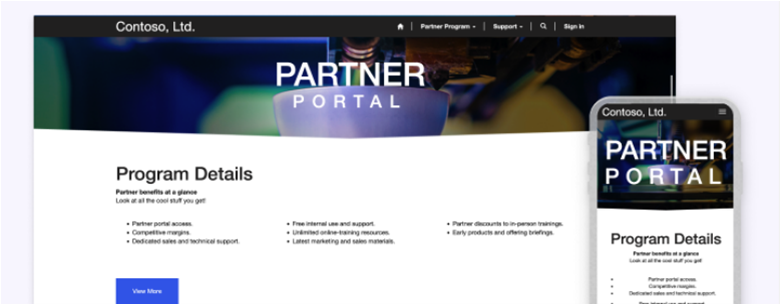
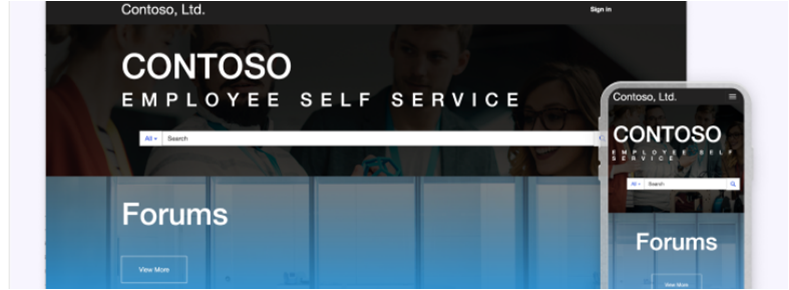
Employee Self-Service
Helps employees access knowledge and complete common tasks easily.
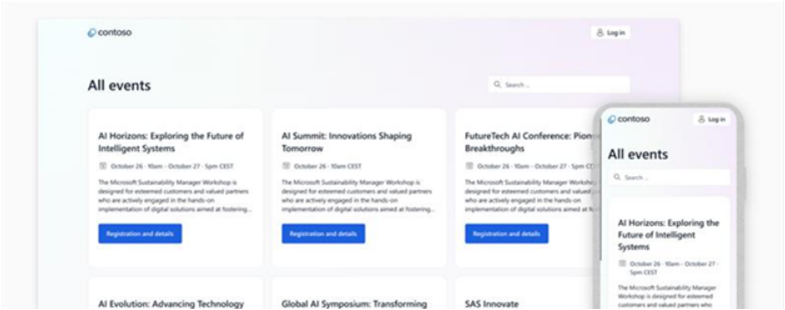
Event Portal (Customer Insights - Journeys)
Customers can view event details, sessions, speakers, and register for events.
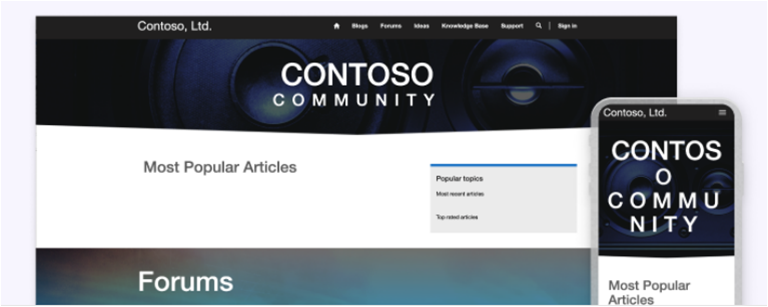
Community Portal
Provides forums, blogs, articles, and idea management for peer-to-peer support.
Supply Chain Management Customer Site
Allows B2B customers to create and track orders linked to Dynamics 365 Supply Chain Management.
Note: Only one site of this type is allowed per environment.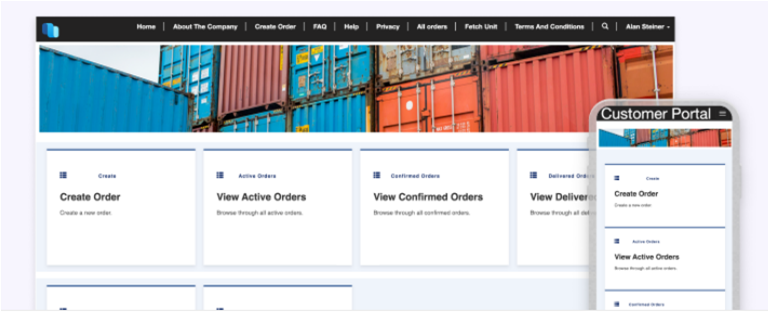
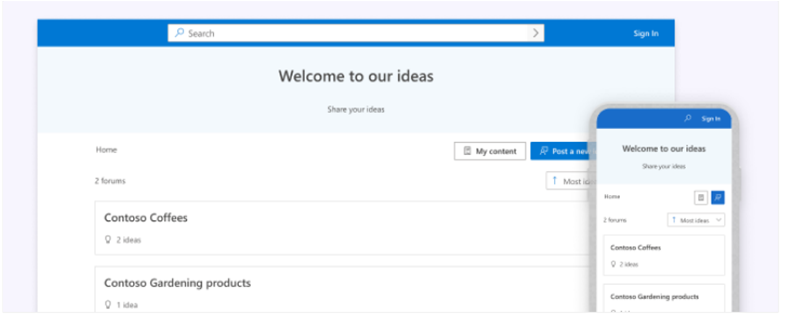
Modern Community
Lets customers share ideas and collaborate to improve products.
Field Service Customer Site
Customers can book and manage appointments, track technicians, and receive automated reminders.
Note: Only one site can be created per environment.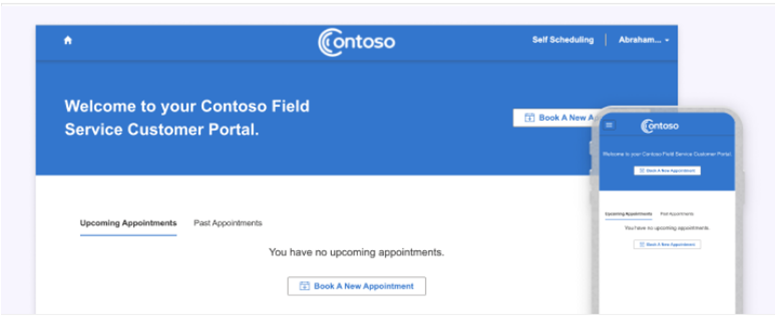
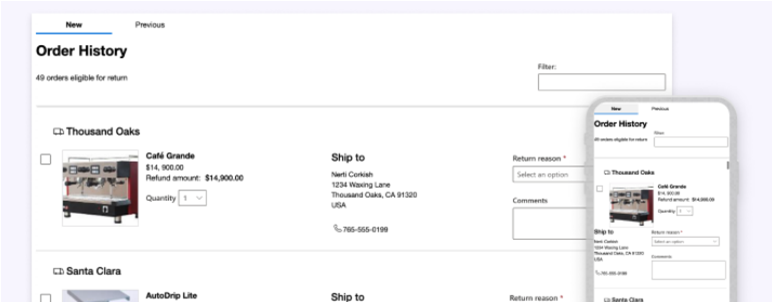
Order Returns (Preview)
Works with Dynamics 365 Intelligent Order Management to let customers submit and track return requests.
Limitations
- Dynamics 365 templates cannot be fully customized in the Power Pages Design Studio.
- Styling workspace is not available; use out-of-the-box CSS or custom web files instead.
- Use the Portal Management App or VS Code for advanced customization.