Moderate forums
Moderate Forums in Power PagesModerate Forums
Forum moderators are users who are granted special permissions to manage forum threads and posts created by all members. Their role is to maintain order, prevent spam, assist users, and ensure discussions stay productive.
Moderators can add, edit, delete, or remove posts and threads. Effective moderation helps keep forums high-quality, engaging, and valuable for the community.
Assign Moderators to Forums
To assign a user as a forum moderator:
- Assign the user’s Contact record to a Web Role.
- Link the Web Role to a Forum Access Permission.
- Set the permission Right to Grant Change.
Forum Moderation on the Website
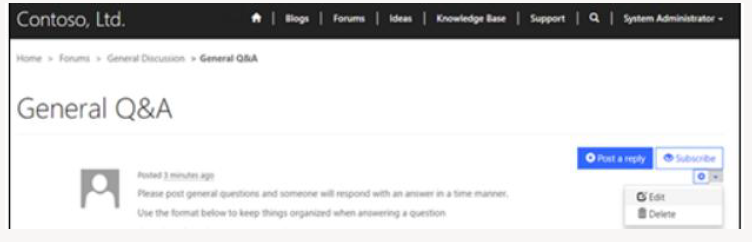
Users with moderation privileges automatically see moderation controls when they sign in. These controls depend on the page template used and may vary visually.
Moderation Actions
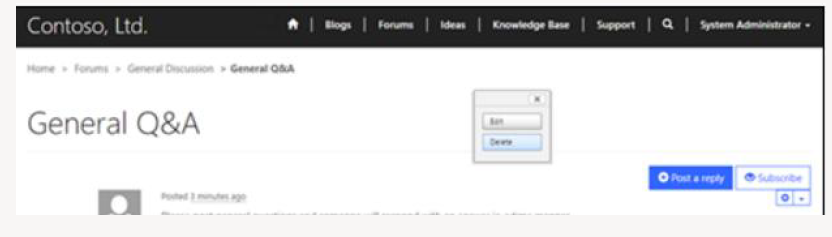
Delete a Forum Thread
- Select Delete from the admin toolbar.
- Confirm by selecting Yes in the pop-up window.
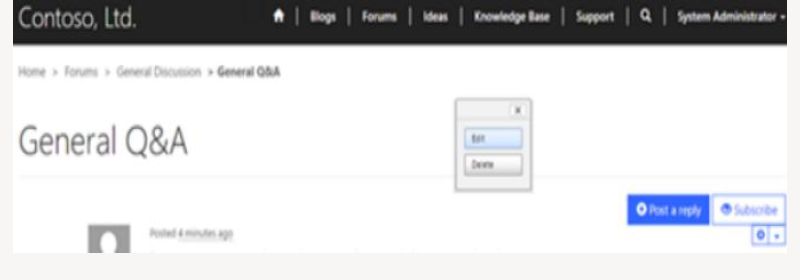
Edit a Forum Thread
- Select Edit from the admin toolbar.
- Update the thread details in the pop-up window.
- Select Save.
Delete a Forum Post
- Select the down arrow next to the post.
- Choose Delete.
- Confirm by selecting Yes.
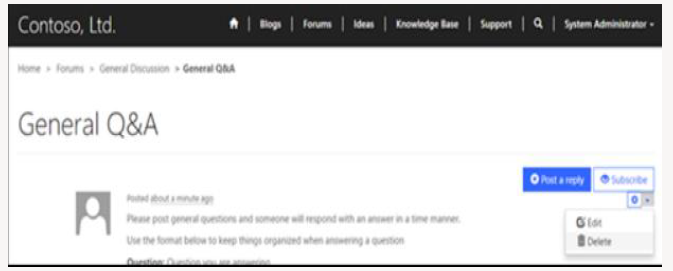
Edit a Forum Post
- Select the down arrow next to the post.
- Choose Edit.
- Update the content in the pop-up editor.
- Select Save.