Connect Code App to Azure SQL
Connect Code App to Azure SQL:
- Enables Power Apps Code Apps to connect with Azure SQL Database using the Power Apps SDK
- Supports end-to-end integration:
- Azure SQL provisioning
- Table and stored procedure creation
- Secure connection via Power Platform
- Prerequisites:
- Azure subscription and Azure portal access
- Power Platform environment with code apps enabled
- Visual Studio Code with Power Platform Tools
- Node.js (LTS), SQL Server (mssql) extension
- Uses Microsoft Entra ID authentication for secure access
Azure SQL Setup & Sample Data Deployment
- Create Azure SQL Database:
- Single database (General Purpose – Serverless)
- Microsoft Entra ID–only authentication
- Public endpoint enabled with Azure services access
- Configuration:
- Resource Group, SQL Server, Database created in Azure Portal
- Entra Admin set to current user
- Database Setup (VS Code):
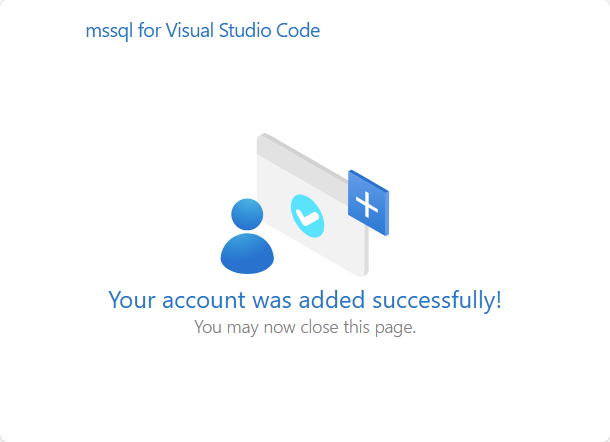
- Connect using SQL Server (mssql) extension
- Authentication: Microsoft Entra ID (MFA)
- Schema & Data:
- Projects table with constraints
- Stored procedures for CRUD operations
- Sample project data inserted successfully
Power Apps Code App Integration & Deployment
- Power Platform Setup:
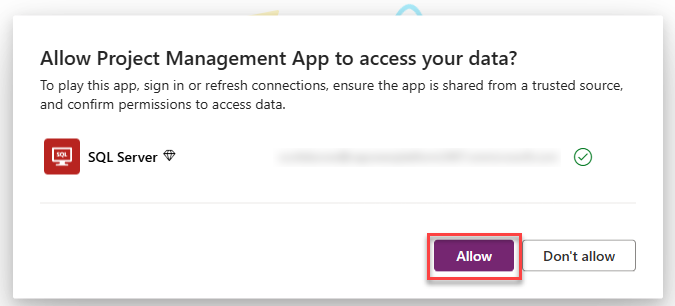
- Create SQL Server connection (Entra ID Integrated)
- Verify connection using pac connection list
- Add SQL Data Source:
- Use pac code add-data-source
- Auto-generate Models & Services
- App Development:
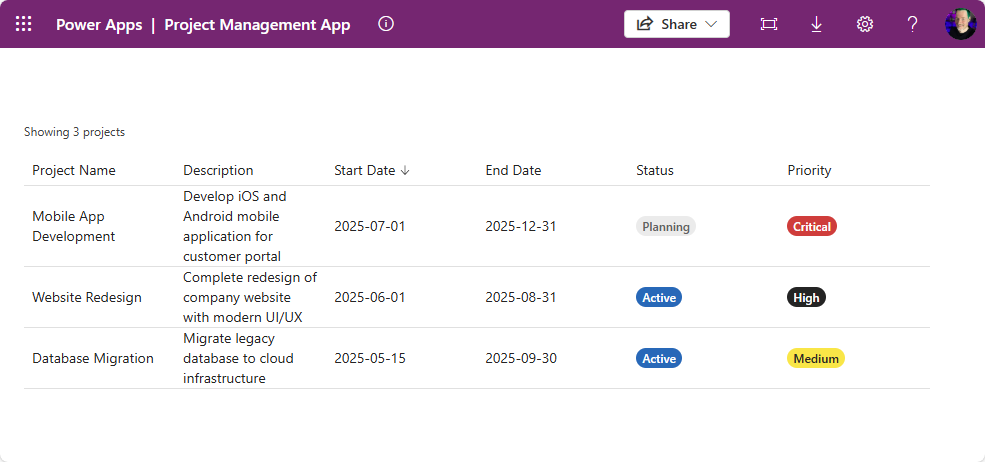
- React + Fluent UI DataGrid
- Display projects with sorting, status & priority badges
- Run & Publish:
- Run locally using npm run dev
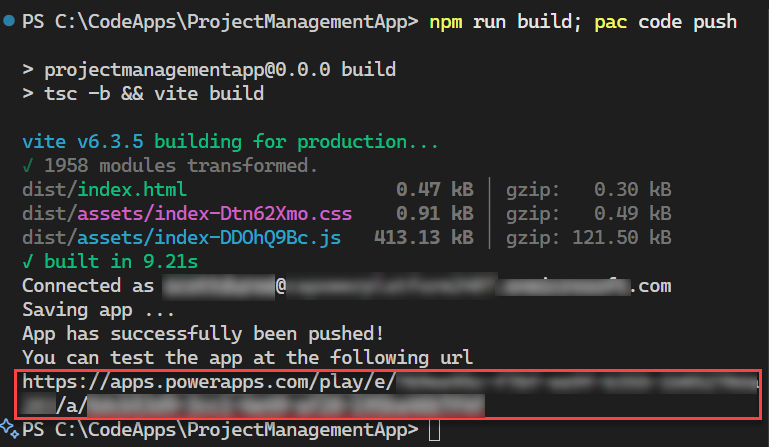
- Build & publish using npm run build and pac code push
Troubleshooting
- SQL firewall & permissions
- Node.js version & port conflicts
- Power Platform connection and consent issue