Create a code app from scratch
Create a Code App from Scratch
This QuickStart outlines the end-to-end process for creating, building, and deploying a Power Apps Code App using a Vite-based TypeScript framework and the Power Platform SDK. It highlights the necessary prerequisites, local development workflow, and deployment approach using the Power Platform CLI. This feature is currently in preview and is intended for evaluation and early feedback purposes only.
Prerequisites
- Power Platform environment with code apps enabled
- Node.js Long Term Support (LTS) version
- Power Platform CLI
- Git
Steps
- Open a new terminal and enter the necessary commands.
- Authenticate the Power Platform CLI against your Power Platform tenant and select your environment.
- Install the Power Platform SDK and initialize your code app using the recommended commands.
- Run the app locally using npm run dev and open Local Play.
- Build and deploy the app using npm run build | pac code push .
You should see the app open similar to the following:
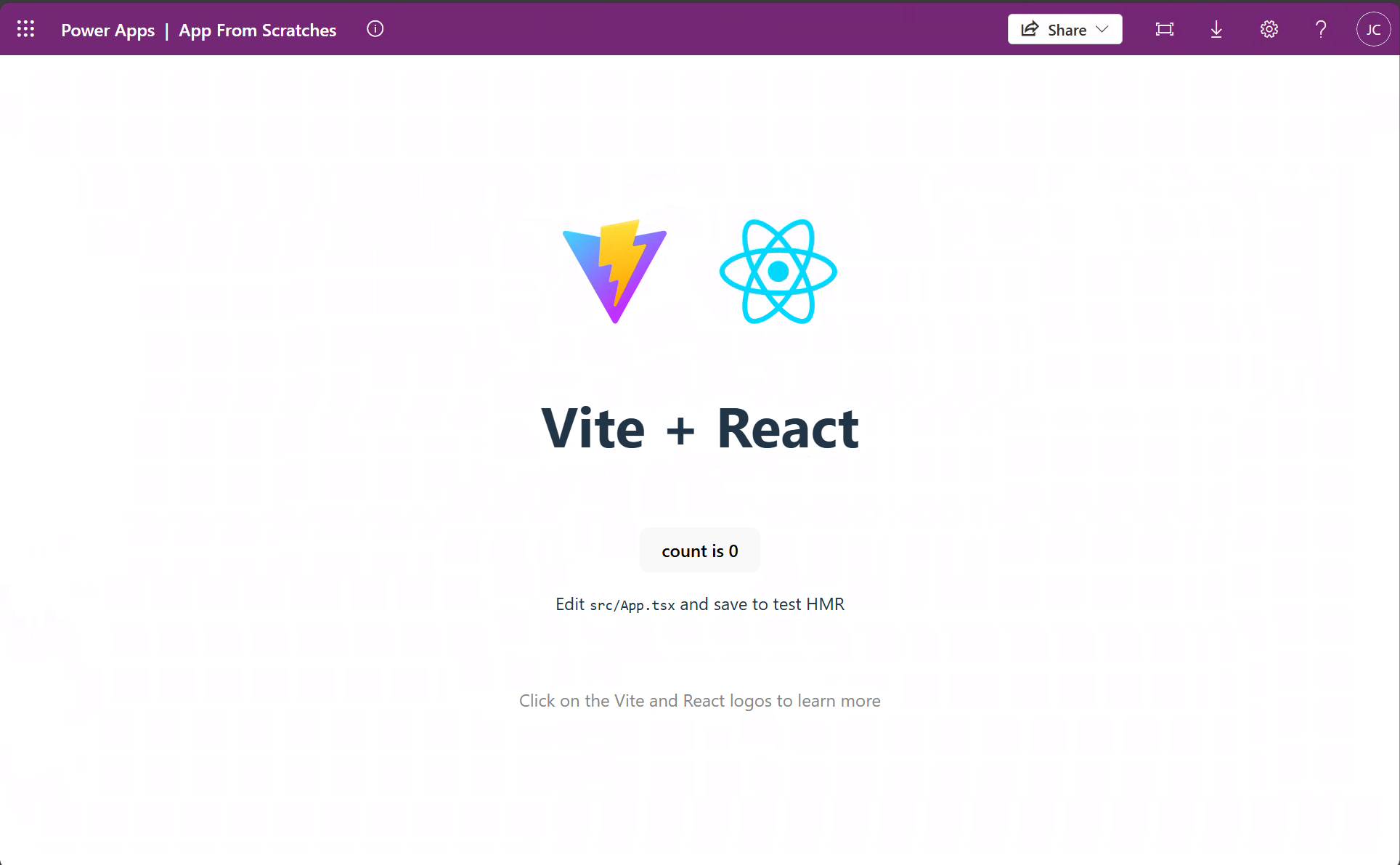
If successful, the deployment command should return a Power Apps URL where you can run the app. You can also open Power Apps to play, share, or see details about the app.
Congratulations! You have successfully pushed your first Code App.